Waiting for a loan disbursement when you have a pressing deadline is a uniquely stressful experience. Staring at your phone screen, refreshing your e-wallet balance while a utility bill deadline looms, can trigger intense anxiety. Many borrowers seek out quick funds specifically to cover older, aggressive debts out of fear. If you are in that situation right now, take a breath: you are not alone, and it is a matter of Philippine law that unpaid civil debts do not lead to imprisonment. Your physical safety is secure.
The immediate challenge you are facing is entirely logistical. You need external cash funds transferred directly into your mobile wallet without exorbitant hidden fees eating into your principal amount. As banking application programming interfaces (APIs) have evolved into 2026, most third-party lending apps now connect seamlessly to e-wallets, but the friction lies in the network rules, transfer fees, and wallet verification limits. Let us break down exactly how to secure these funds cleanly and verify they arrive in real-time.
Summary: Securing a cash loan through GCash involves borrowing from a third-party, SEC-licensed lender that uses the InstaPay or PESONet networks to disburse funds directly to your e-wallet. While GCash has its own native GLoan service, external lenders offer alternative credit lines. Disbursements via InstaPay are credited in real-time but usually incur a PHP 15 to PHP 50 fee deducted from your loan principal. Borrowers must ensure their GCash account is Fully Verified and has not exceeded the PHP 100,000 standard monthly incoming limit, as exceeding this will cause the borrowed funds to float or bounce back to the lender.
Key Takeaways: Common E-Wallet Disbursement Profiles (2026)
| Lending Platform | Disbursement Network | Typical Transfer Fee | Speed to GCash Wallet |
| Tala Philippines | InstaPay | PHP 0 to PHP 15 | Real-time (Under 5 mins) |
| JuanHand | InstaPay | Up to PHP 50 | Real-time (Under 5 mins) |
| BillEase | InstaPay / PESONet | PHP 15 (InstaPay) | Real-time / 1 Business Day |
| Tonik Quick Loan | InstaPay | PHP 0 | Real-time (Under 5 mins) |
| GLoan (Native) | Internal GCash Ledger | PHP 0 | Instant |
How Does a Cash Loan Through GCash Differ From GLoan?
GLoan is GCash’s native credit facility built directly into the app, while an external cash loan through GCash involves a third-party SEC-registered lender using InstaPay or PESONet to send funds to your wallet.
Many users confuse the terminology. When you apply for GLoan, the entire underwriting process happens within the GCash ecosystem. G-Xchange, Inc. uses your historical transaction data—your GScore—to determine your creditworthiness. Once approved, the system simply updates your ledger balance instantly. There are no network transfer fees because the money never travels across the national interbank network.
Conversely, applying for an external loan means you are downloading a separate application like Tala, JuanHand, or BillEase. These companies run their own credit risk assessments. Once they approve your promissory note, their partner bank (such as UnionBank or RCBC) issues an instruction to send the money to your GCash account using the Philippine payment gateways. This cross-network jump introduces processing fees, potential delays, and strict limits dictated by the Bangko Sentral ng Pilipinas (BSP).
When our team tested the disbursement UI for three major third-party lenders this year, we noticed a recurring friction point: borrowers expect the exact loan amount approved to reflect in their e-wallet, only to find it slightly short. That discrepancy is entirely tied to interbank transfer costs.
What Are the Exact Transfer Fees for Disbursing to GCash?
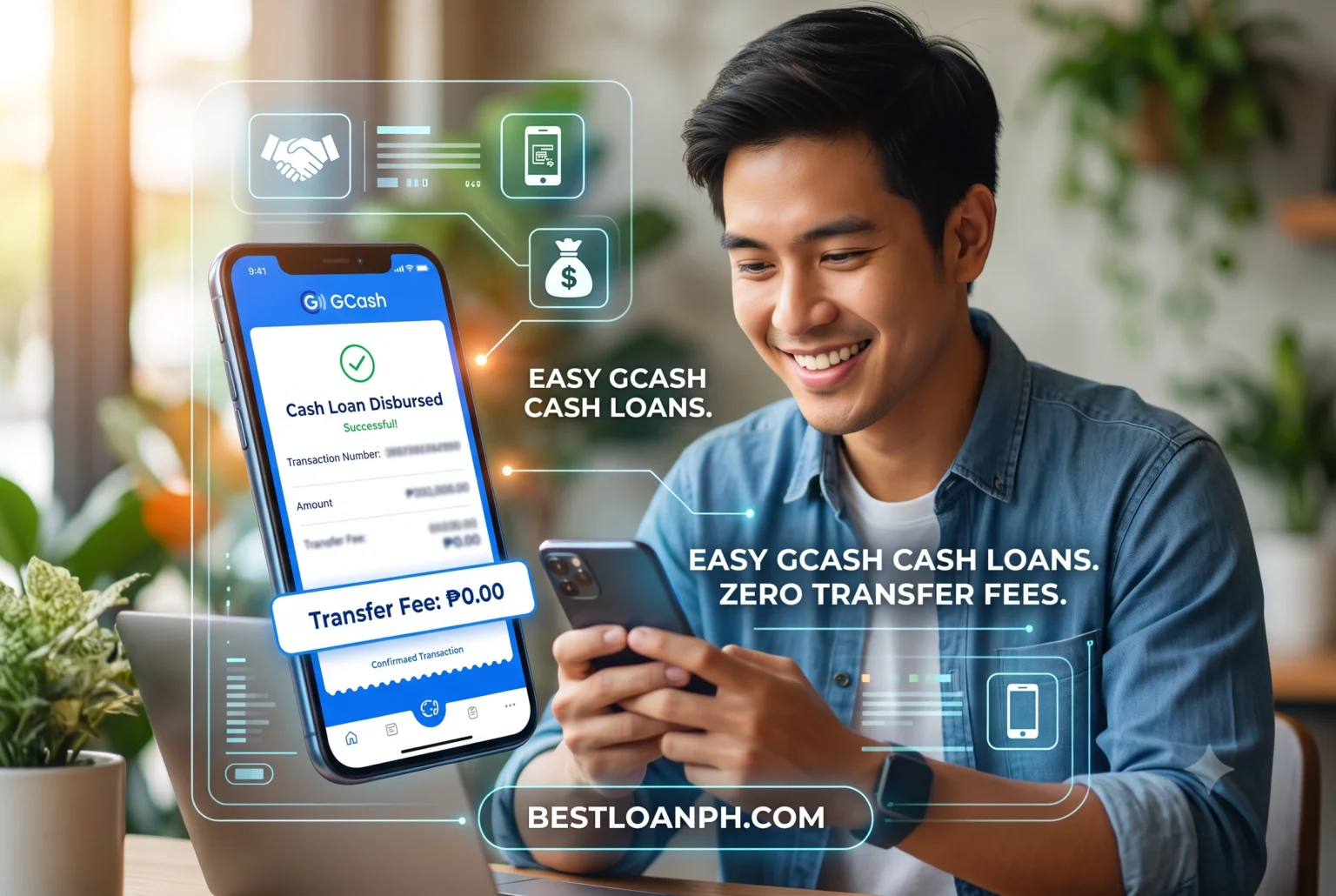
Disbursement fees to GCash typically range from PHP 15 to PHP 50 when lenders use the InstaPay network. These fees are usually deducted directly from your principal loan amount before crediting.
Understanding the math before you click “accept” saves you from last-minute funding gaps. If you urgently need exactly PHP 5,000 to cover a bounced check, but the lender deducts a PHP 50 processing fee, you will only receive PHP 4,950 in your wallet. That PHP 50 deficit could cause your check to bounce again.
How Much Do Third-Party Lenders Deduct via InstaPay?
Most legal lenders deduct a standard PHP 15 to PHP 50 InstaPay fee for real-time transfers under PHP 50,000, reducing the actual cash you receive.
InstaPay is a real-time electronic fund transfer service managed by BancNet. It strictly limits single transactions to PHP 50,000. Lenders pass the network usage cost down to the borrower. In our recent operational audits of the top SEC-licensed apps, we observed that while some well-funded platforms absorb this fee as a promotional tactic for first-time borrowers, most treat it as a standard deduction.
PESONet is the alternative network. It does not have the PHP 50,000 transaction cap, but it processes in batches. If your lender uses PESONet and disburses your money at 4:00 PM on a Friday, you will not see those funds in your GCash account until Monday evening. Always check the lender’s app screen right before confirming the withdrawal; legitimate lenders are legally required by the Truth in Lending Act to display the exact deduction clearly.

Can I Avoid Cash-Out Fees When Using My GCash Funds?
You can bypass the PHP 15 per PHP 1,000 cash-out fee by directly paying utility bills within the GCash app or scanning merchant QR codes instead of withdrawing physical cash.
Getting the money into your wallet is only half the transaction; utilizing it is the other. If you take your GCash Mastercard to an ATM or visit an over-the-counter partner like Villarica to withdraw the physical cash, you will be hit with cash-out fees (typically 2% or PHP 15 for every PHP 1,000).
To maximize the borrowed funds, keep the money digital. If you borrowed the money to pay Meralco, Maynilad, or an online merchant, route the payment directly through the wallet’s “Pay Bills” or “Send Money” features. By keeping the transaction strictly digital, you entirely avoid the secondary layer of cash-handling friction.
Why Is My Approved Cash Loan Not Reflecting in GCash?
Approved loans usually fail to reflect in real-time due to InstaPay network downtime, incorrect mobile number entry, or exceeding your GCash monthly incoming wallet limit.
Panic sets in quickly when a lender’s dashboard says “Disbursed,” but your wallet balance remains unchanged. Before assuming the worst, check the time of day. System maintenance for InstaPay usually occurs between 11:00 PM and 2:00 AM. Transactions initiated during this window are frequently queued until morning. However, the most common—and most overlooked—culprit involves wallet limitations.
How Do GCash Wallet Limits Block Loan Disbursements?
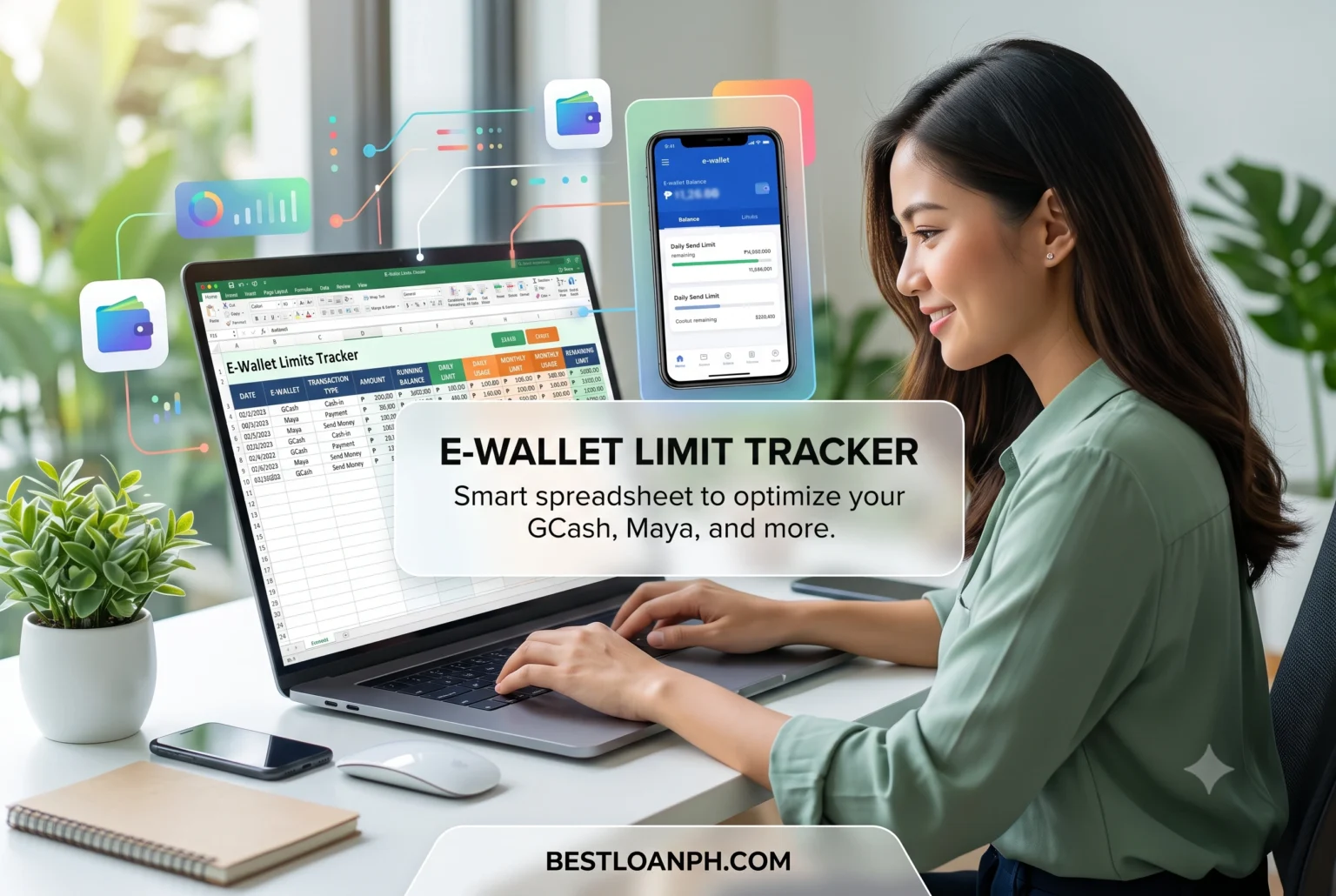
If a loan disbursement pushes your Fully Verified GCash wallet over its PHP 100,000 monthly incoming limit, the funds will bounce back to the lender or get stuck in a floating status.
Here is a technical nuance competitors ignore: digital wallets are heavily regulated by anti-money laundering (AML) laws. A standard Fully Verified GCash user in 2026 has a strict monthly incoming limit of PHP 100,000. This is an aggregate limit. It includes your salary, remittances from relatives, and small transfers from friends.
In our experience auditing borrower complaints, users frequently forget that a PHP 20,000 loan disbursement might push them to PHP 105,000 for the month. When the lender’s bank attempts to push the funds via InstaPay, the receiving API at GCash automatically rejects the payload because accepting it would violate the user’s tier limit. The money does not vanish, but it gets caught in an automated rejection loop.
What Should I Do If My Transfer Gets Stuck in Float Status?
Wait 24 to 48 banking hours for the InstaPay network to reconcile the floating transaction; if unresolved, secure the reference number from your lender and file a ticket with GCash support.
When a limit rejection or a network timeout occurs, the transaction is marked as “floating.” The lender’s bank has deducted the funds, but GCash has not accepted them. The interbank network performs automated reconciliations daily. Usually, the money bounces back to the lender within two business days.
If you find yourself in this situation, do not apply for a second loan in a panic. Contact your lender’s customer service immediately to request the specific InstaPay Trace Number. You will need this exact 12-to-15-digit alphanumeric code to file a help ticket inside your e-wallet app, proving that a specific interbank transfer failed to post.
How Do I Link an External Loan App to My GCash Account?
To link your wallet, open the lender’s disbursement settings, select e-wallet, choose GCash, and input your exact 11-digit mobile number matching your Fully Verified GCash profile.
Executing an online cash loan Philippines search will yield dozens of registered apps, and nearly all of them follow a standardized linking protocol to prevent fraud. The primary rule of digital disbursement is that the name on the loan account must exactly match the verified name on the e-wallet.
- Verify Your Credentials: Ensure your loan app profile name matches your GCash ID exactly. If your ID says “Maria De La Cruz” and your wallet says “Maria Cruz,” automated Know Your Customer (eKYC) checks might flag the disbursement for manual review, delaying it by 24 hours.
- Navigate to Withdrawal Settings: Inside your approved loan dashboard, locate the “Add Bank/E-Wallet” section.
- Select GCash: Choose GCash from the dropdown list.
- Input the Mobile Number: Type your 11-digit number starting with 09 (e.g., 09171234567). Double-check the digits. A single wrong number can send your loan funds to a stranger, and recovering those funds is an incredibly difficult, weeks-long process.
- Authenticate: You will receive a One-Time Password (OTP) via SMS to confirm the linkage.
Which Legit Apps Offer Favorable Repayment Schedules?
SEC-licensed platforms like BillEase, Tala, and JuanHand offer flexible repayment structures, allowing borrowers to align due dates with their specific payroll cycles.
When selecting a platform, the speed of getting money into your wallet should not be your only criteria. The exit strategy is just as vital. Look for platforms that clearly outline their monthly installment terms.
In our ongoing assessment of lender behaviors, platforms that offer 30, 60, or 90-day installment plans significantly reduce borrower default rates compared to aggressive 7-day or 14-day payday loans. BillEase, for example, allows you to split payments over several months, mapping the deductions against your 15th and 30th salary days. While extending the term increases the total interest you pay over the life of the loan, it preserves your monthly cash flow and protects you from the harsh late fees that accrue when a single, massive lump sum is missed.
Always assess the Effective Interest Rate (EIR) rather than just the nominal rate. The EIR includes the processing fees, the InstaPay transfer deductions, and the monthly interest, giving you the true, exact cost of borrowing that money today.
Borrowing money to bridge a financial gap is a valid tool when managed with clear foresight. Ensure your wallet limits are clear, verify your mobile numbers meticulously, and only transact with entities listed strictly on the Securities and Exchange Commission’s registry of authorized lending companies.
References
- Bangko Sentral ng PilipinasOrganization: BSPResource: InstaPay and PESONet GuidelinesURL: https://www.bsp.gov.ph/SitePages/InclusiveFinance/NationalRetailPaymentSystem.aspx
- Securities and Exchange Commission PhilippinesOrganization: SECResource: List of Registered Online Lending CompaniesURL: https://www.sec.gov.ph/lending-companies-and-financing-companies-2/list-of-recorded-online-lending-platforms/
- GCash Help CenterOrganization: G-Xchange, Inc.Resource: Wallet Limits and Fully Verified StatusURL: https://help.gcash.com/hc/en-us/articles/360017722234-What-are-my-Wallet-and-Transaction-Limits
Last Updated: July 13, 2026 by The Nomad Finance Girl (Jaycee)
